

Microsoft Defender
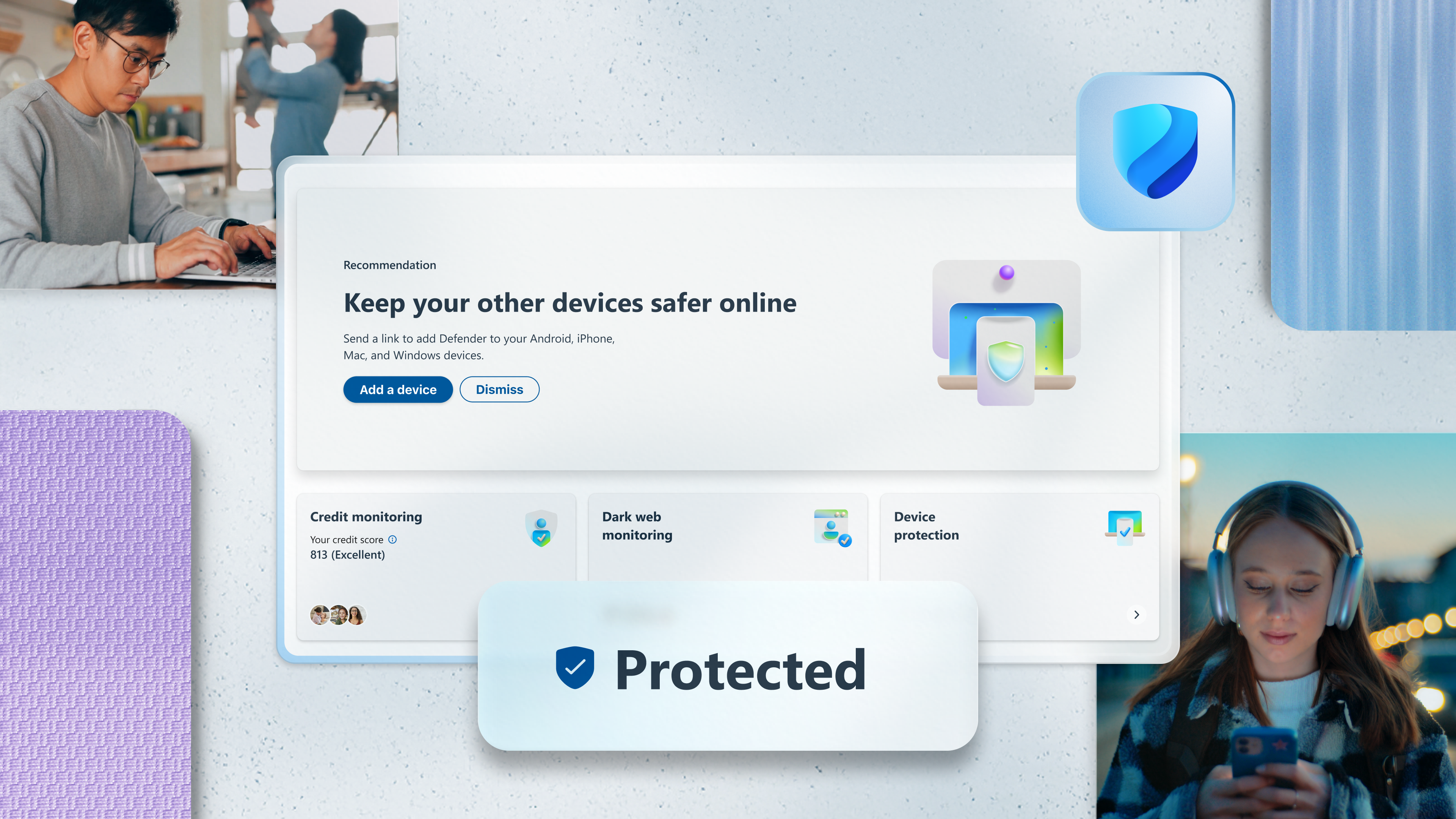
Read our comprehensive review of Microsoft Defender to see how this security app protects your family's devices, identities, and personal data.
The Growing Need for Unified Digital Protection
Imagine receiving an alert that your personal information was compromised in a data breach, or realizing your child's tablet is completely unprotected against emerging online threats. In today's hyper-connected world, managing digital safety across multiple operating systems can feel overwhelming. The Microsoft Defender security app aims to solve this exact problem by consolidating device protection and identity monitoring into a single, streamlined dashboard.
Developed by Microsoft Corporation, this application serves as a centralized hub for individuals and families who want to proactively defend their digital lives. Rather than managing separate security tools for every smartphone, tablet, and computer in your household, this cross-platform solution brings everything under one virtual roof.
What is the Microsoft Defender Security App?
The Microsoft Defender security app is an editorial-backed security solution designed exclusively for Microsoft 365 Personal or Family subscribers. While Windows users are likely familiar with the built-in Windows Security system, this specific application extends your protective reach. It acts as a bridge, allowing you to monitor and manage security statuses across Windows, macOS, iOS, and Android devices simultaneously.
Key Features and Safeguards
- Cross-Platform Device Security: Extend antivirus and malware protection beyond your PC to secure your family's mobile phones and laptops.
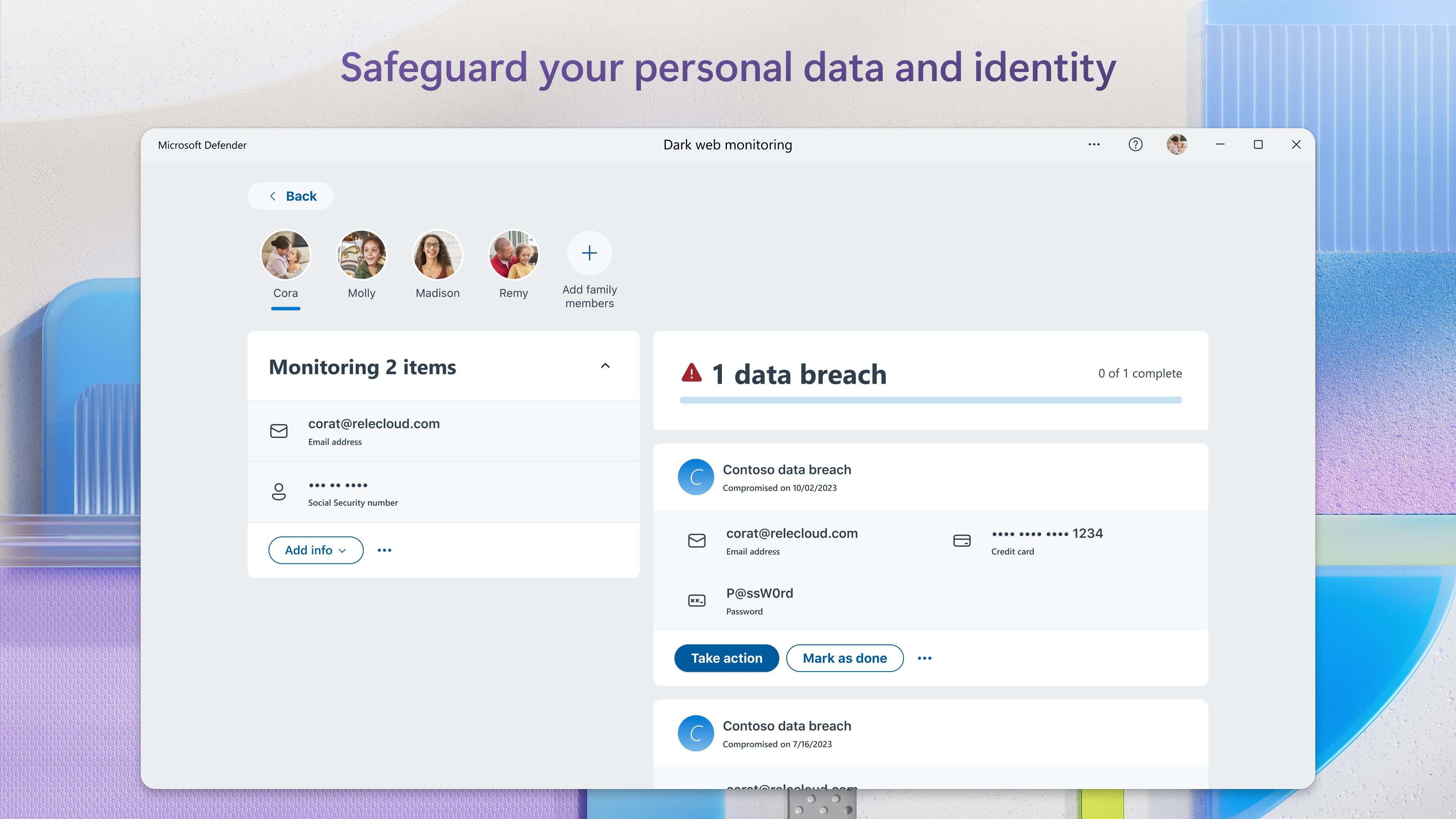
- Identity Theft Monitoring: Keep a close eye on your personal data with active monitoring that alerts you if your sensitive details surface on the dark web (available in the US and US territories).
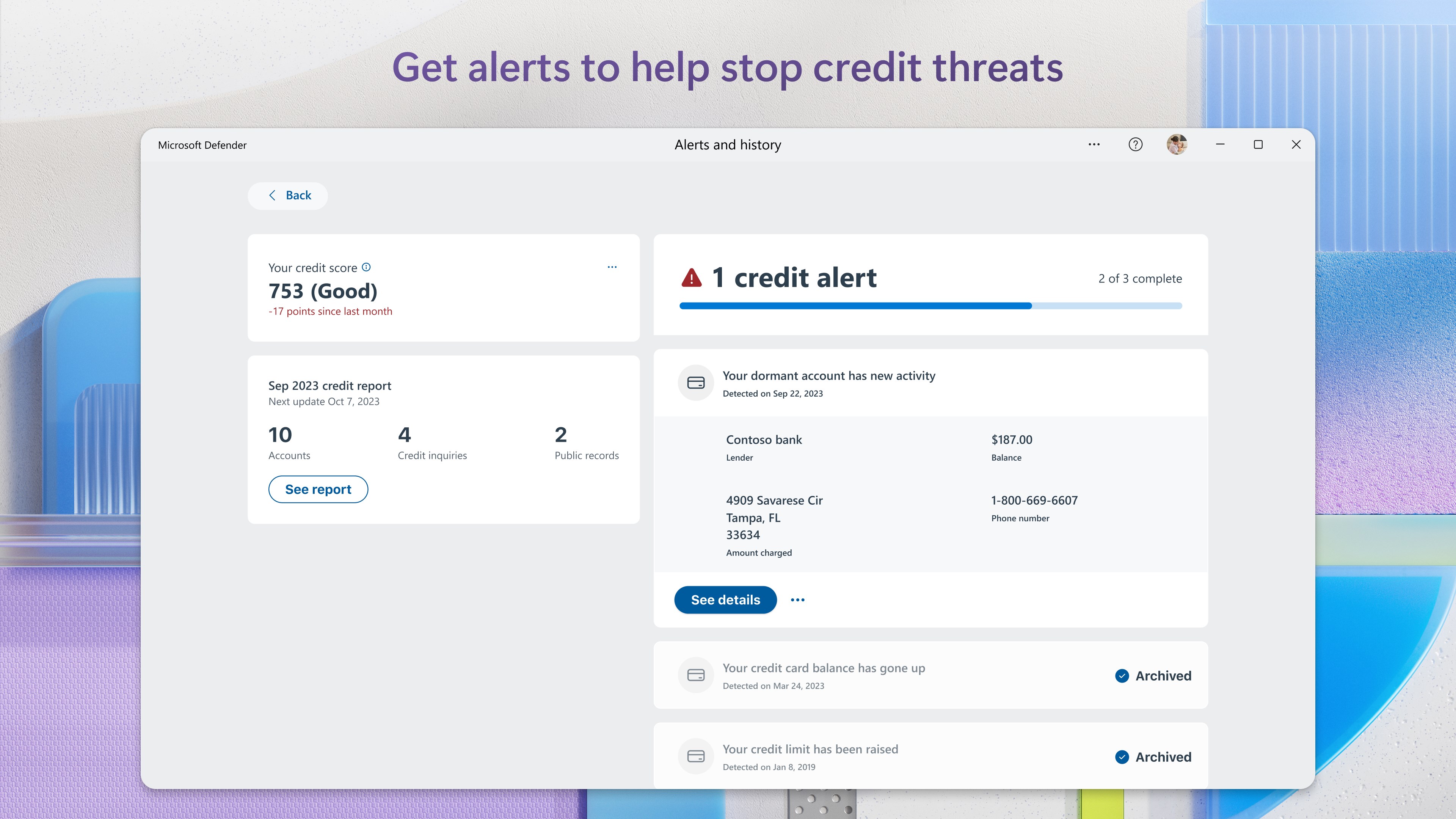
- Credit Monitoring & Reports: Track your credit score changes and receive updates utilizing Experian® single bureau data to spot fraudulent activity early.
- Insurance and Recovery Support: Benefit from up to USD 1 million in identity theft insurance and up to USD 100,000 in lost funds coverage to assist with recovery fees and financial losses.
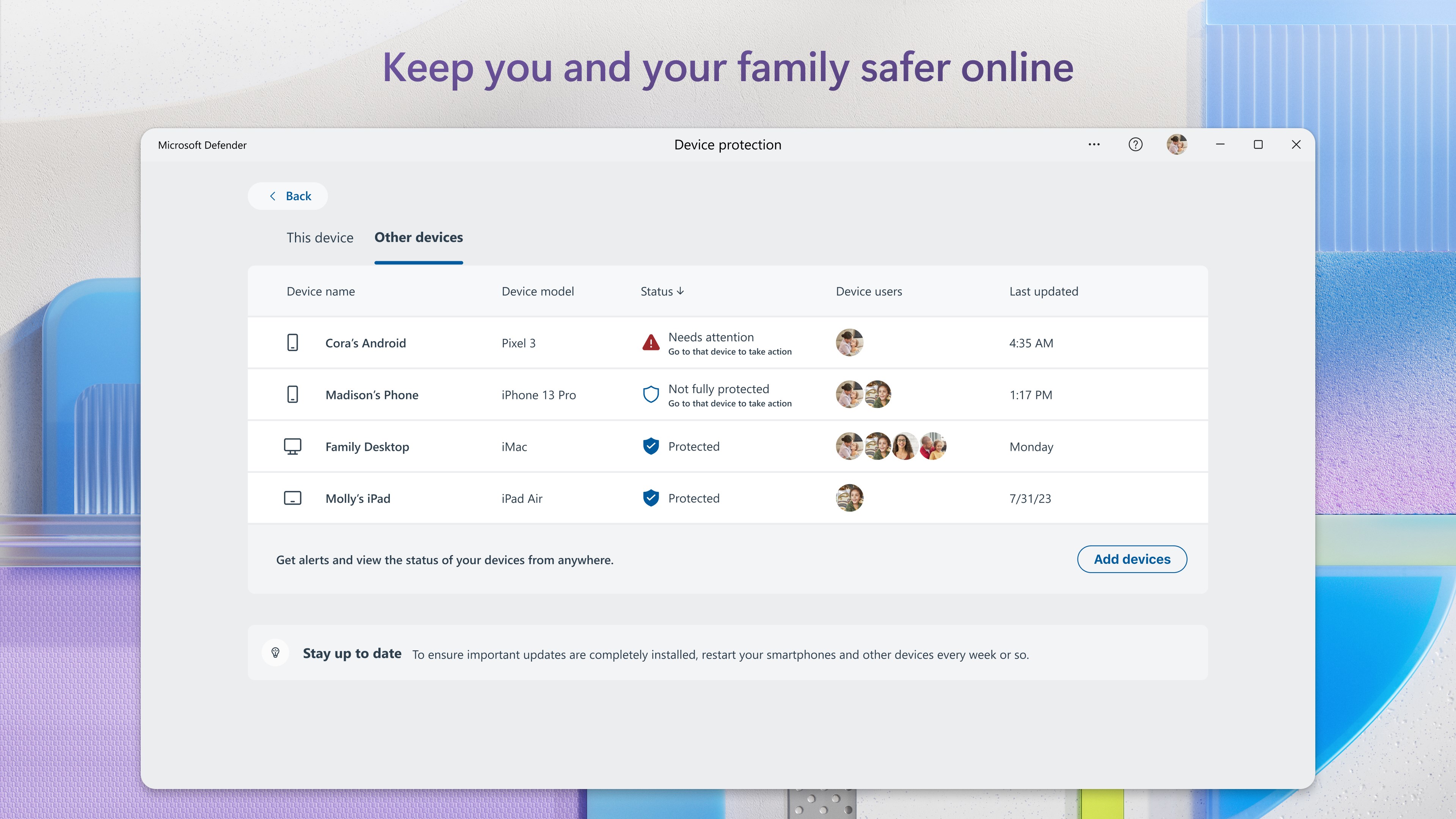
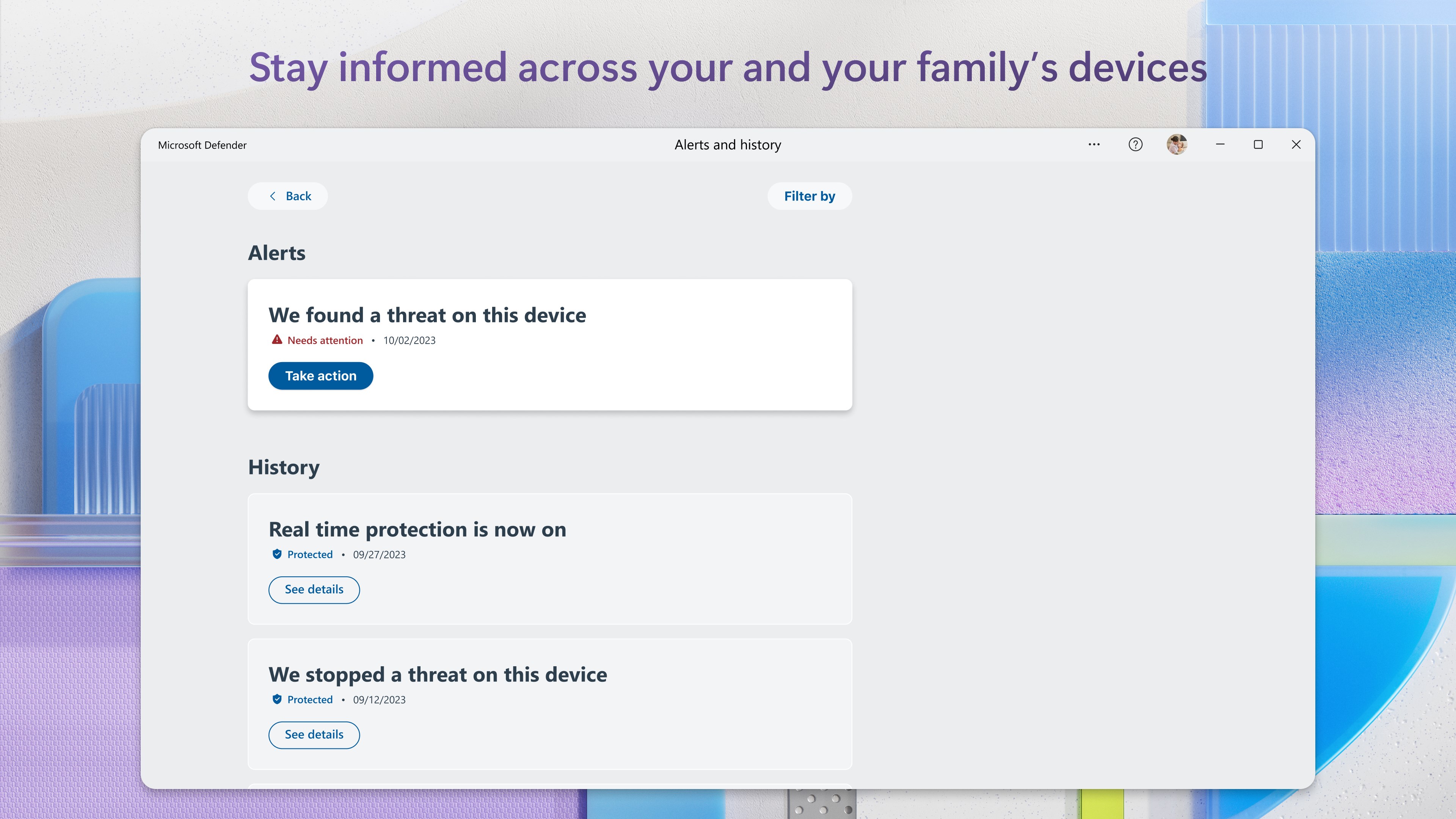
- Centralized Security Dashboard: View real-time security alerts, notifications, and the protection status of all connected family devices in one clean interface.
Who is This Security Hub For?
The Microsoft Defender security app is highly recommended for households operating on multiple platforms. If you are already a Microsoft 365 subscriber, utilizing this app is a natural extension of your subscription benefits. It is particularly valuable for family organizers who want to ensure that children's devices are secure and that the entire household's digital footprint is actively monitored against identity theft.
Optimizing Your Digital Defense
Getting started with this security suite is straightforward. Once you have an active Microsoft 365 subscription, you simply log in with your Microsoft account credentials. From the central hub, you can easily send installation invitations to your other devices or access your security status on-the-go via the web companion dashboard.
Ready to unify your family's digital safety? To learn more about the utility, check subscription compatibility, or read user feedback, head over to the official Microsoft Store page to explore the Microsoft Defender application today.