

Steam Link
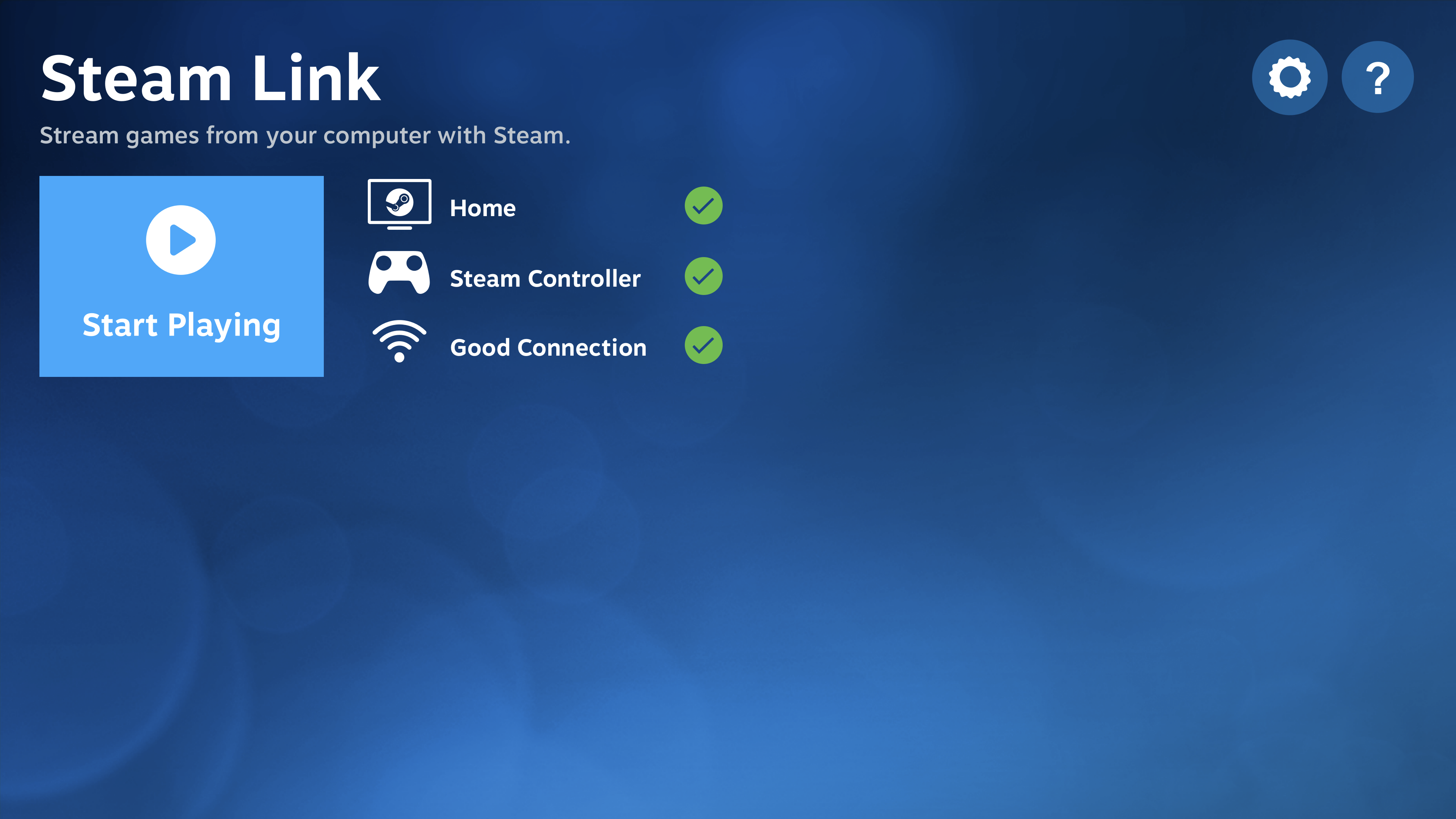
Discover how Steam Link lets you stream PC games to other devices. Read our review of Valve's game streaming app for Linux and local network play.
The Ultimate Solution for Whole-Home Gaming
Imagine sitting on your cozy living room couch, controller in hand, playing your favorite resource-heavy PC masterpiece on a lightweight Linux media center while your main gaming rig does all the heavy lifting in another room. The Steam Link game streaming app makes this seamless transition a reality, removing the physical boundaries of where you can enjoy your desktop gaming library.
What is the Steam Link Game Streaming App?
Developed by Valve Corporation, the Steam Link game streaming app is a dedicated utility designed to broadcast your active Steam library from a primary host computer to other devices on your local network. It is particularly valuable for Linux users who want to extend their gaming setup to secondary computers, media centers, or home theater PCs without moving their hardware.
Key Features and Capabilities
- Local Network Streaming: Leverages your high-speed home network to transmit video and audio data from host to client with minimal latency.
- Controller Integration: Simply plug in your favorite game controller to your secondary Linux device and start playing instantly.
- High-Performance Playback: Designed to mirror the exact output of your main gaming rig, allowing you to experience high-end graphics on low-spec hardware.
- Seamless Library Access: Once connected, you gain complete access to your existing Steam collection just as if you were sitting at your main desk.
Who is this App For?
The Steam Link game streaming app is ideal for multi-device households, Linux enthusiasts with dedicated home theater setups, and gamers who prefer the comfort of a couch over a traditional desk chair. It bridges the gap between raw hardware power and physical comfort, making it a must-have tool for modern PC gaming setups.
Getting Started
To experience local network play at its best, ensure both your host PC and your client Linux device are connected to a robust, wired network or a strong 5GHz Wi-Fi connection. You can learn more about this application and find the installation package by visiting the official Flathub store page today.