

WinBox
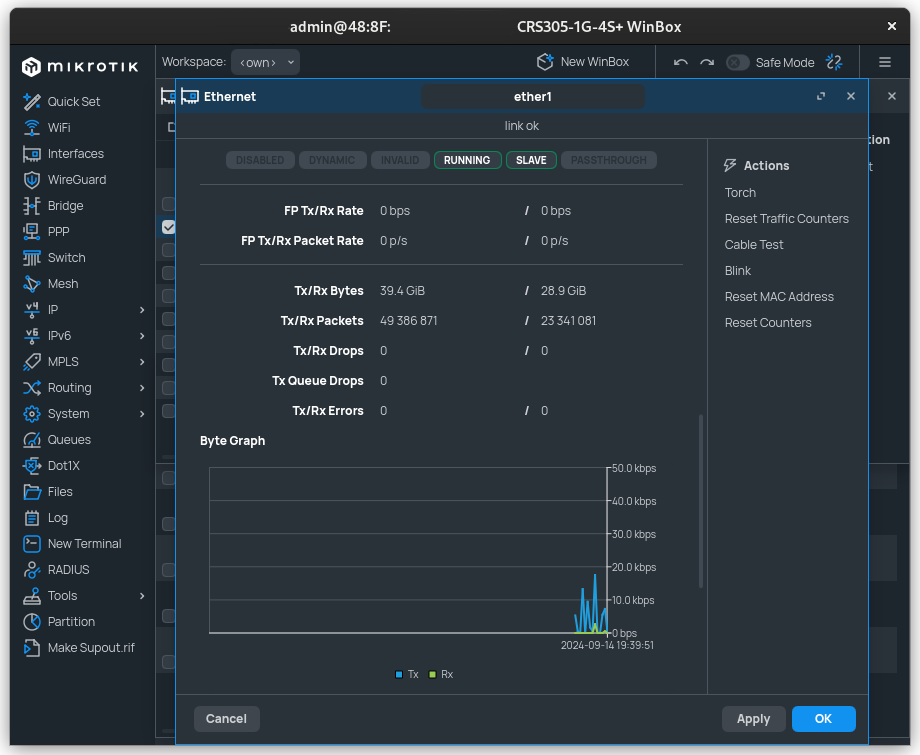
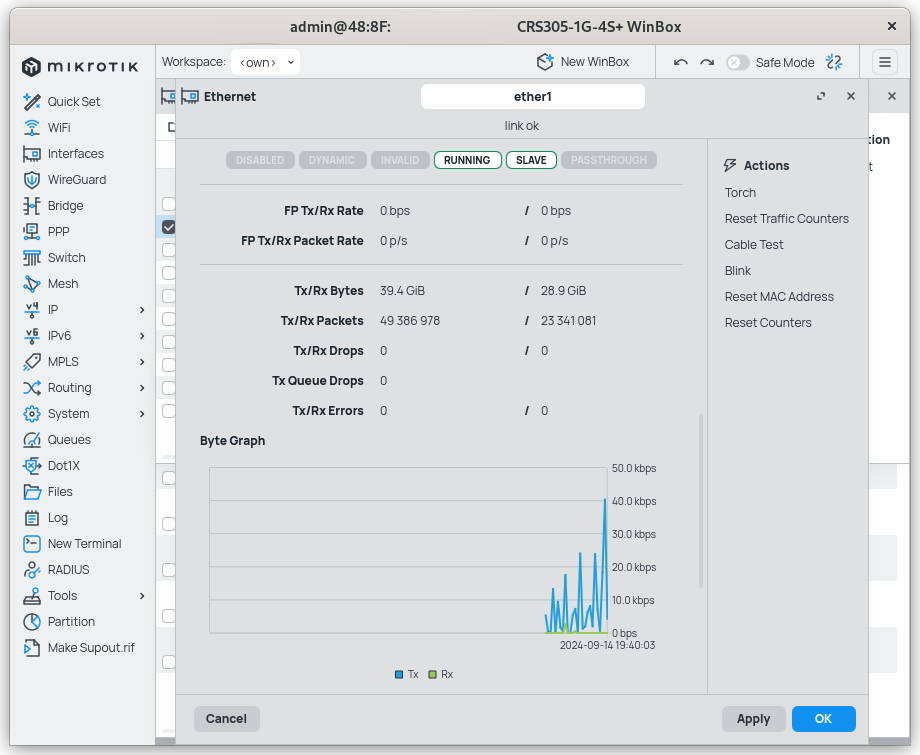
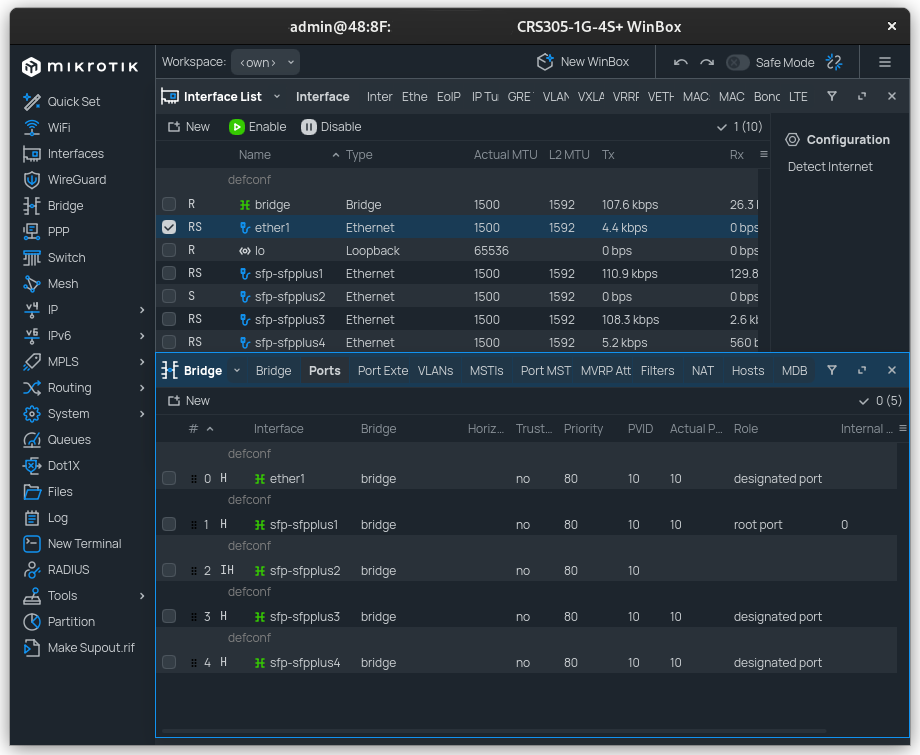
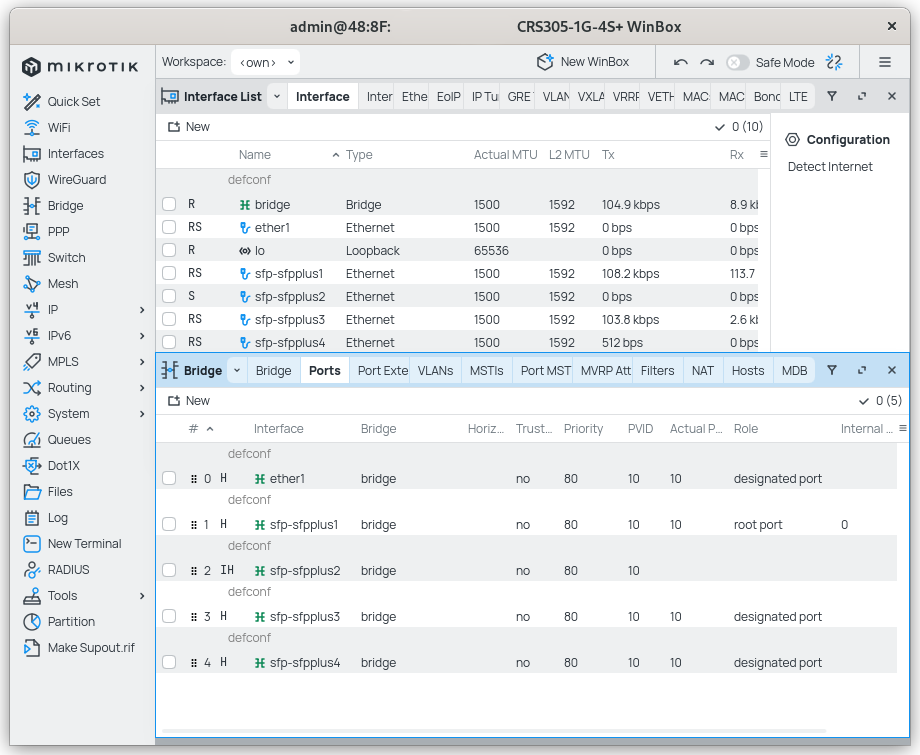
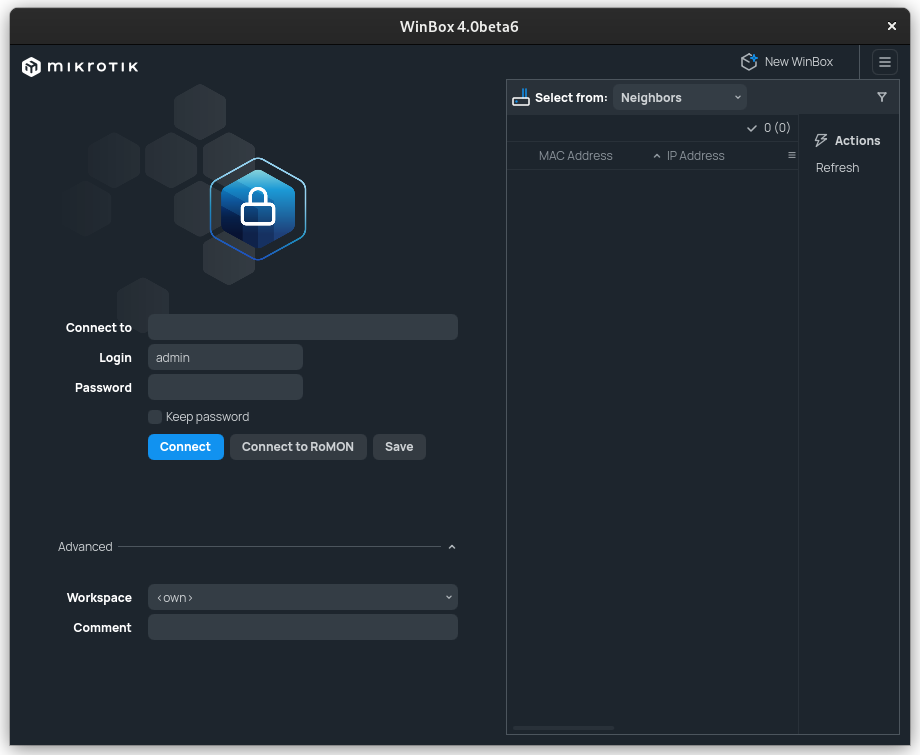
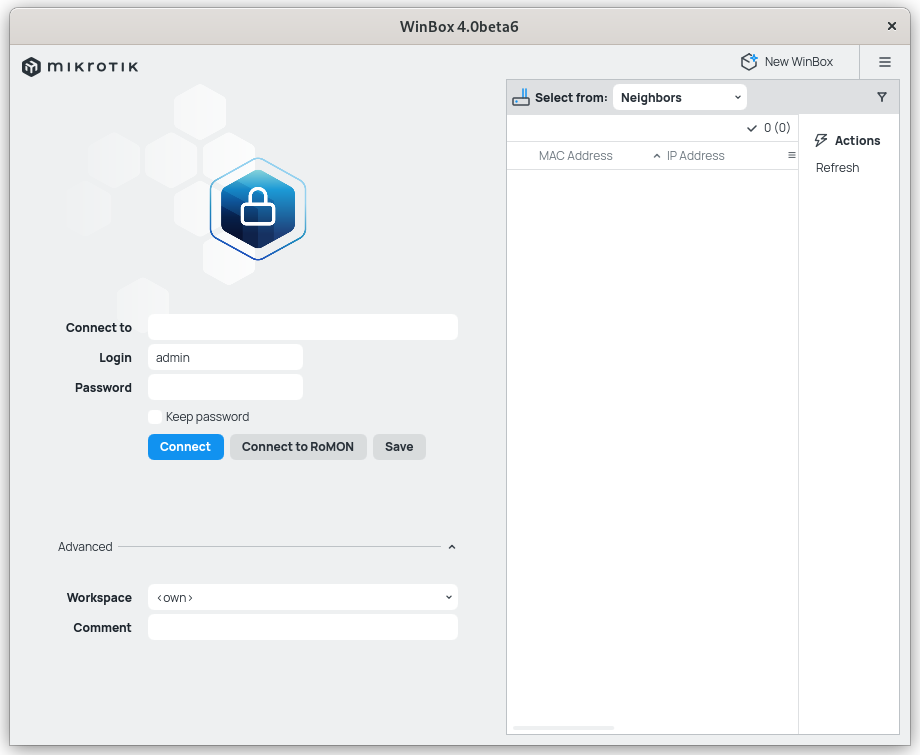
Discover how WinBox for RouterOS administration simplifies complex Linux network management with a fast, intuitive, and highly responsive graphical interface.
Managing network infrastructure requires tools that are both rapid and reliable, which is why the WinBox RouterOS administration utility remains a staple for network professionals. Designed to mirror the robust capabilities of the MikroTik RouterOS console, this lightweight application provides system administrators on Linux with a highly visual, efficient way to configure and monitor their routing hardware.
Streamlined Configuration with WinBox RouterOS Administration
For network administrators who prefer visual layouts over command-line interfaces, the WinBox RouterOS administration wrapper provides a seamless bridge. Instead of memorizing complex syntax, users can navigate their router's internal architecture through a native-feeling, structured directory. Every primary console capability is represented within the graphical interface, ensuring you lose zero functionality when moving away from the terminal.
Key Capabilities for Network Engineers
- Console Parity: Every feature available in the RouterOS terminal is mapped directly to the graphical environment, ensuring comprehensive control.
- Real-Time Monitoring: Keep a close eye on bandwidth allocation, interface traffic, and system resources through visual, auto-refreshing graphs.
- Simplified Node Management: Easily save, organize, and connect to multiple managed routing units from a centralized directory interface.
Who Benefits Most From This Utility?
This software is tailored specifically for system administrators, DevOps engineers, and IT specialists operating in Linux environments who manage MikroTik hardware. Because this package functions as a specialized wrapper, it allows Linux-based professionals to deploy the utility natively on their workstations without relying on manual configuration layers or complex compatibility setups. It is ideal for those who demand the speed of a desktop application combined with the extensive feature set of a enterprise-grade network OS.
Operational Efficiency and Workflow Integration
The beauty of utilizing this interface lies in its minimal footprint. It launches rapidly, discovers compatible devices on your local broadcast domain automatically, and maintains secure, low-latency connections to your infrastructure. Whether you are adjusting firewall rules, configuring routing protocols, or managing user bandwidth limits, the layout keeps critical tools only a click away.
To experience this streamlined management workflow firsthand, head over to the official Flathub store page to find out more and integrate it into your administration toolkit.