
Duplicates Cleaner
Read our comprehensive review of Duplicates Cleaner for Windows. Discover how this utility safely reclaims disk space and optimizes system performance.
Reclaim Wasted Disk Space on Your Windows PC
There is nothing more frustrating than running out of storage space on your primary drive, especially when a significant portion of that waste is caused by identical files scattered across different folders. The Duplicates Cleaner duplicate file remover offers a streamlined, lightweight solution to this exact problem, specifically tailored for modern Windows environments.
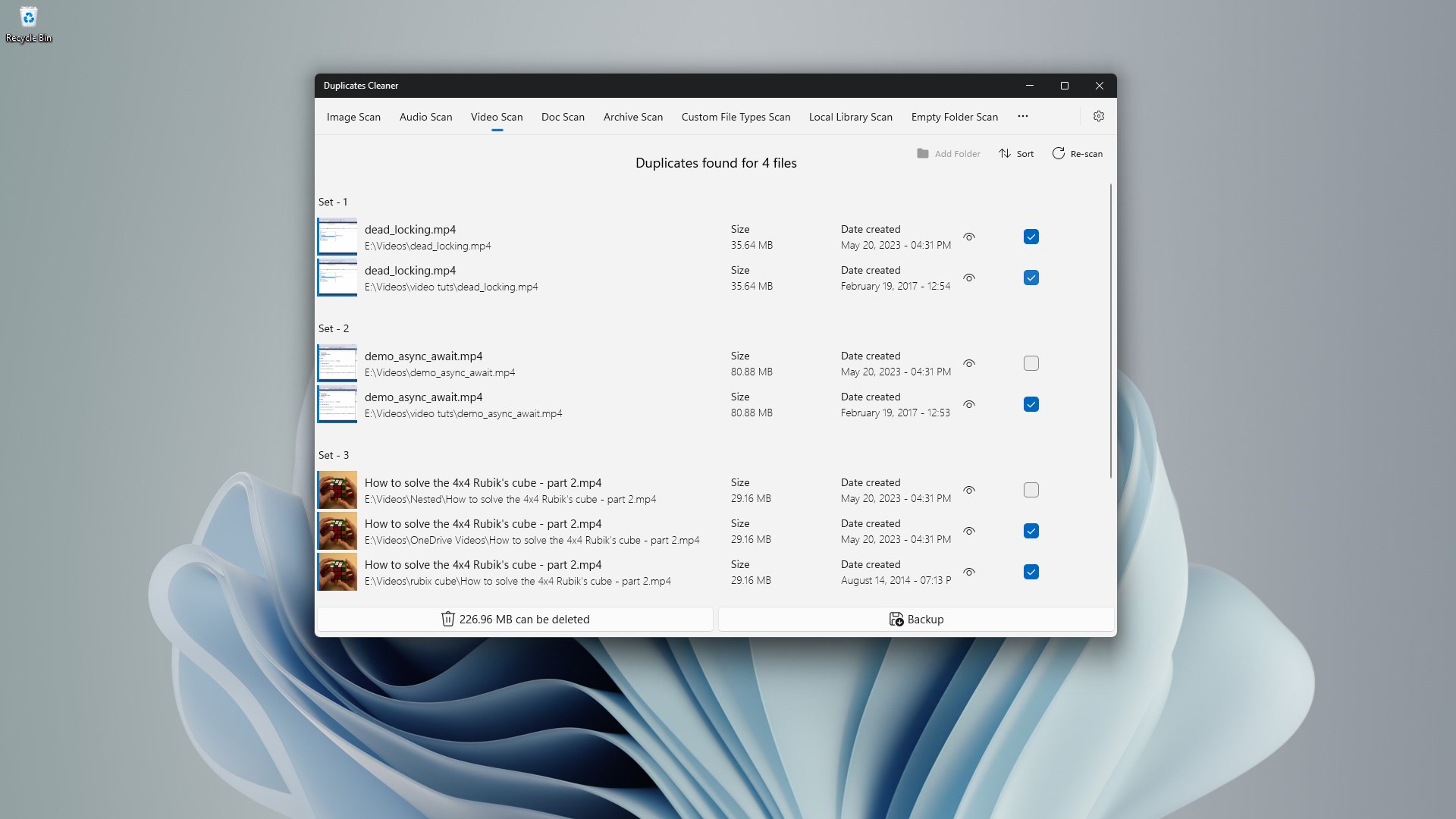
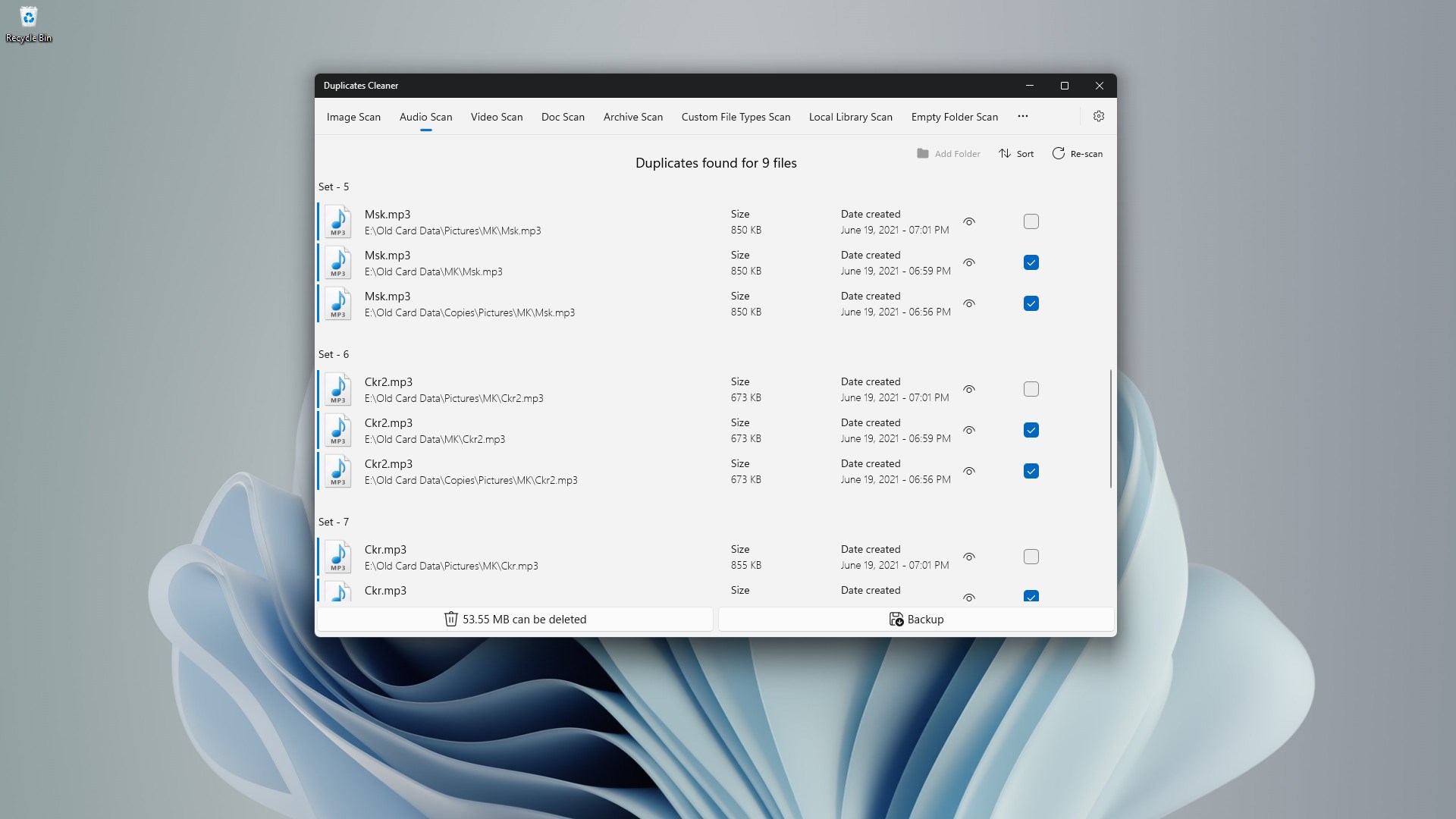
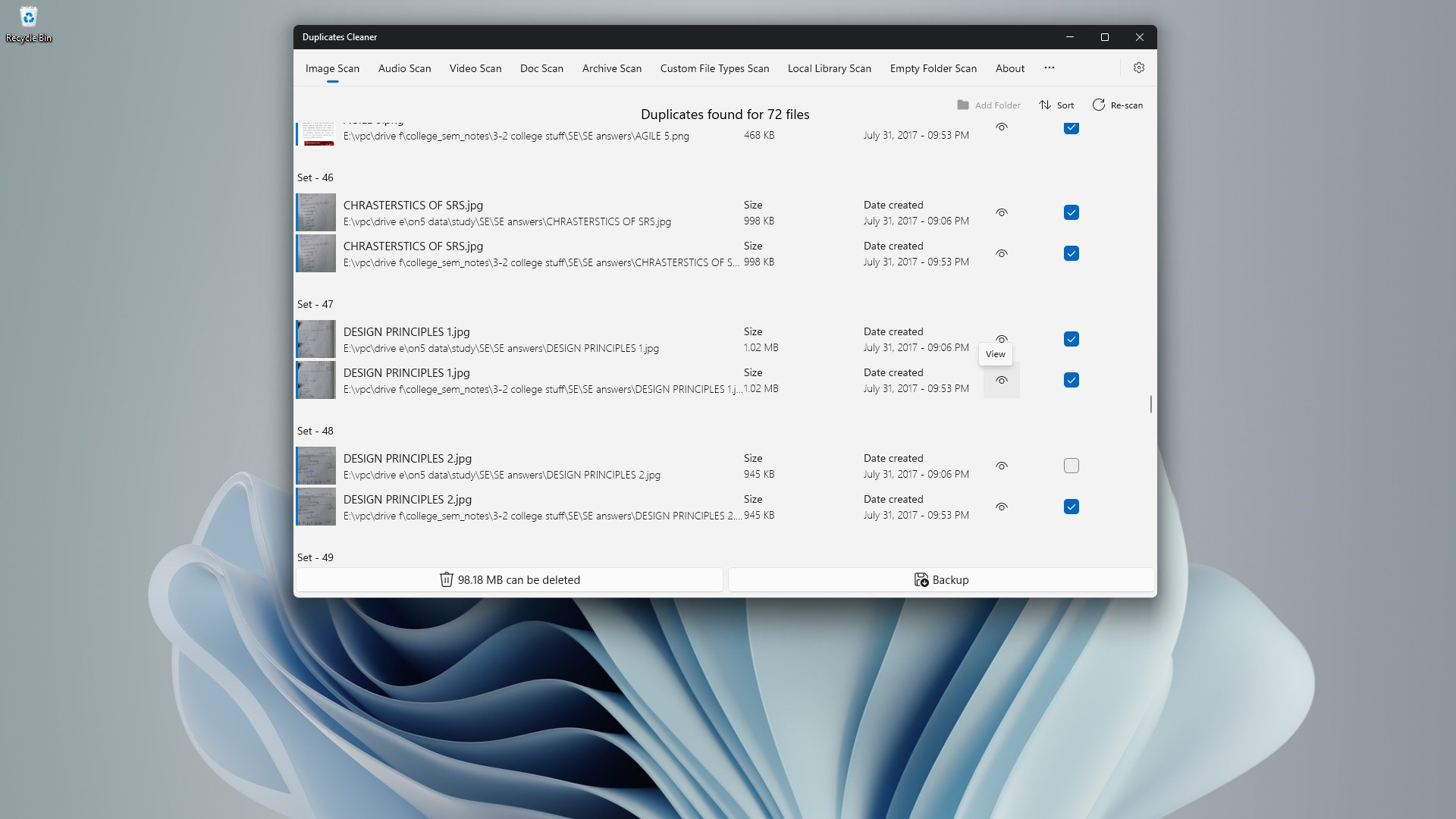
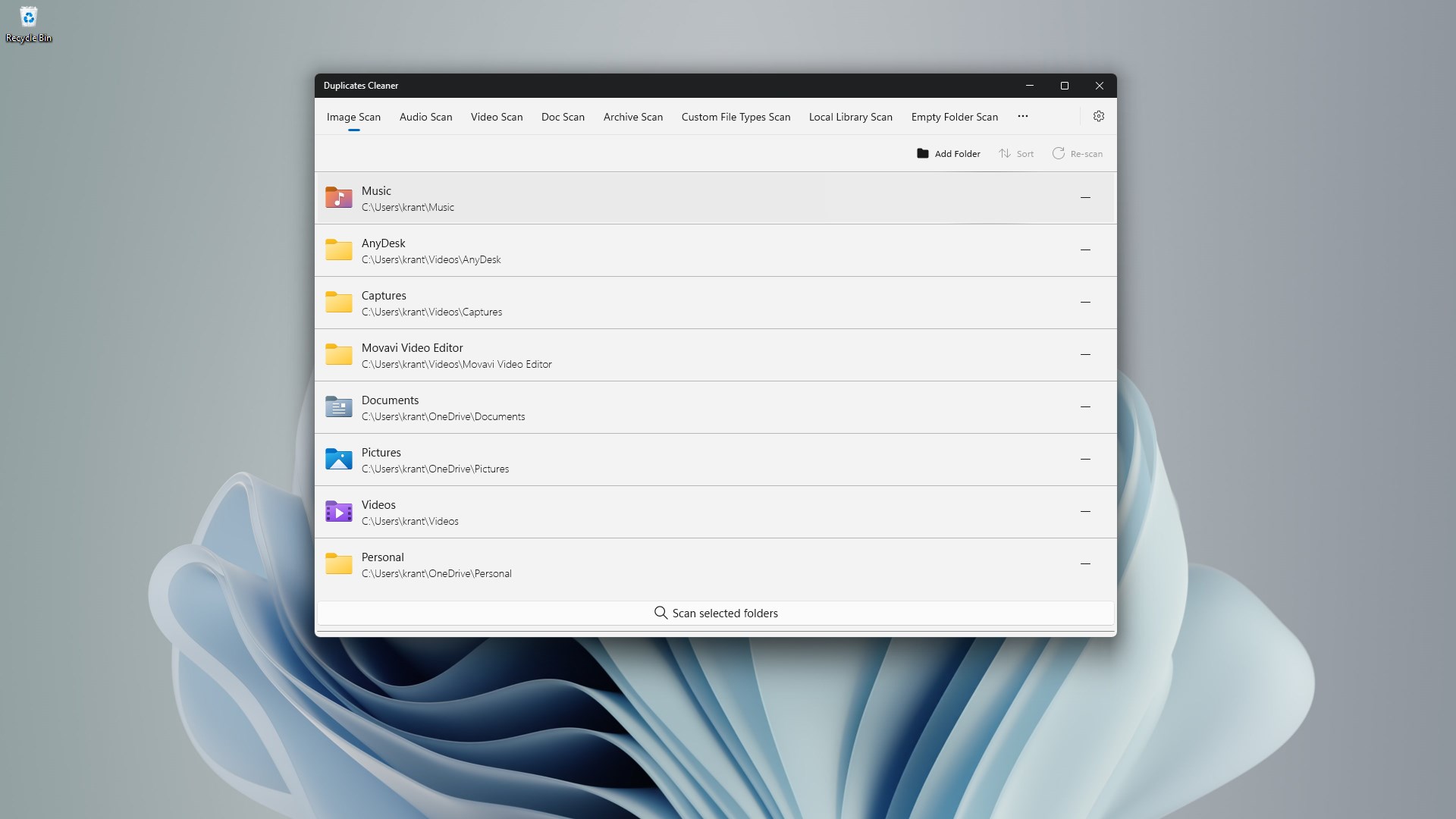
Developed by kaeros corps, this utility operates as a dedicated system tool designed to scan, identify, and safely eliminate redundant files. Rather than forcing users to manually sift through thousands of directories, the application automates the detection of duplicate photos, documents, videos, and audio files with remarkable precision.
Core Features of the Duplicates Cleaner Duplicate File Remover
- Intelligent Detection Technology: The software uses smart scanning algorithms to ensure it only flags genuine duplicates, protecting your vital system files and original documents from accidental deletion.
- Multiformat Compatibility: Whether you are dealing with duplicate JPEG images, PDF manuals, MP3 audio tracks, or MP4 video files, the app identifies redundant copies across all popular formats.
- Resource-Efficient Execution: Designed to run without taxing your hardware, the utility features minimal CPU and RAM usage, ensuring your computer remains responsive during the scanning process.
- Local Data Privacy: Security-conscious users will appreciate that the entire cleanup process is performed locally on your device; no personal files or data are ever uploaded to external servers.
Who Benefits Most From This Tool?
This utility is particularly beneficial for creative professionals such as photographers and graphic designers who regularly import large media libraries and often end up with multiple copies of the same assets. It is also an excellent utility for gamers looking to squeeze every gigabyte of storage out of their solid-state drives, as well as everyday Windows users who want to keep their operating system running lean and efficient.
The Editorial Verdict
If you are looking for an intuitive, zero-fuss utility to declutter your storage drive, this application delivers on its promises. The user interface is straightforward enough for beginners while the underlying scan engine remains fast and reliable. The free version allows users to delete up to 1GB of duplicate data, making it easy to test its efficiency before deciding if you need unlimited removal capabilities.
To try the application out for yourself and start clearing out clutter, head over to the official Microsoft Store to explore the Duplicates Cleaner duplicate file remover today.