

Duplicates Cleaner Prime


Read our comprehensive review of Duplicates Cleaner Prime for Windows. Discover how its Intelligent Eye Technology frees up storage and optimizes your PC.
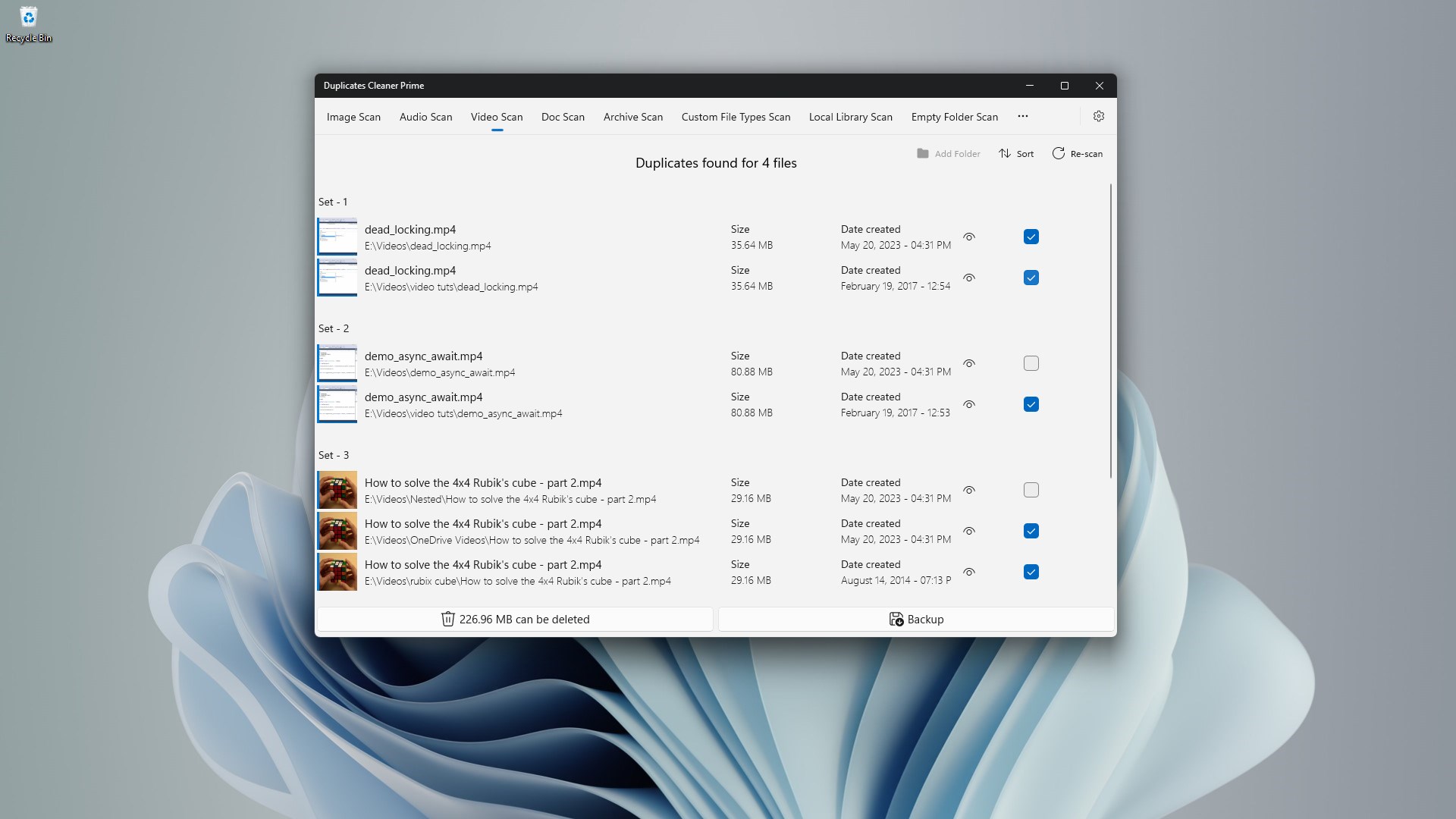
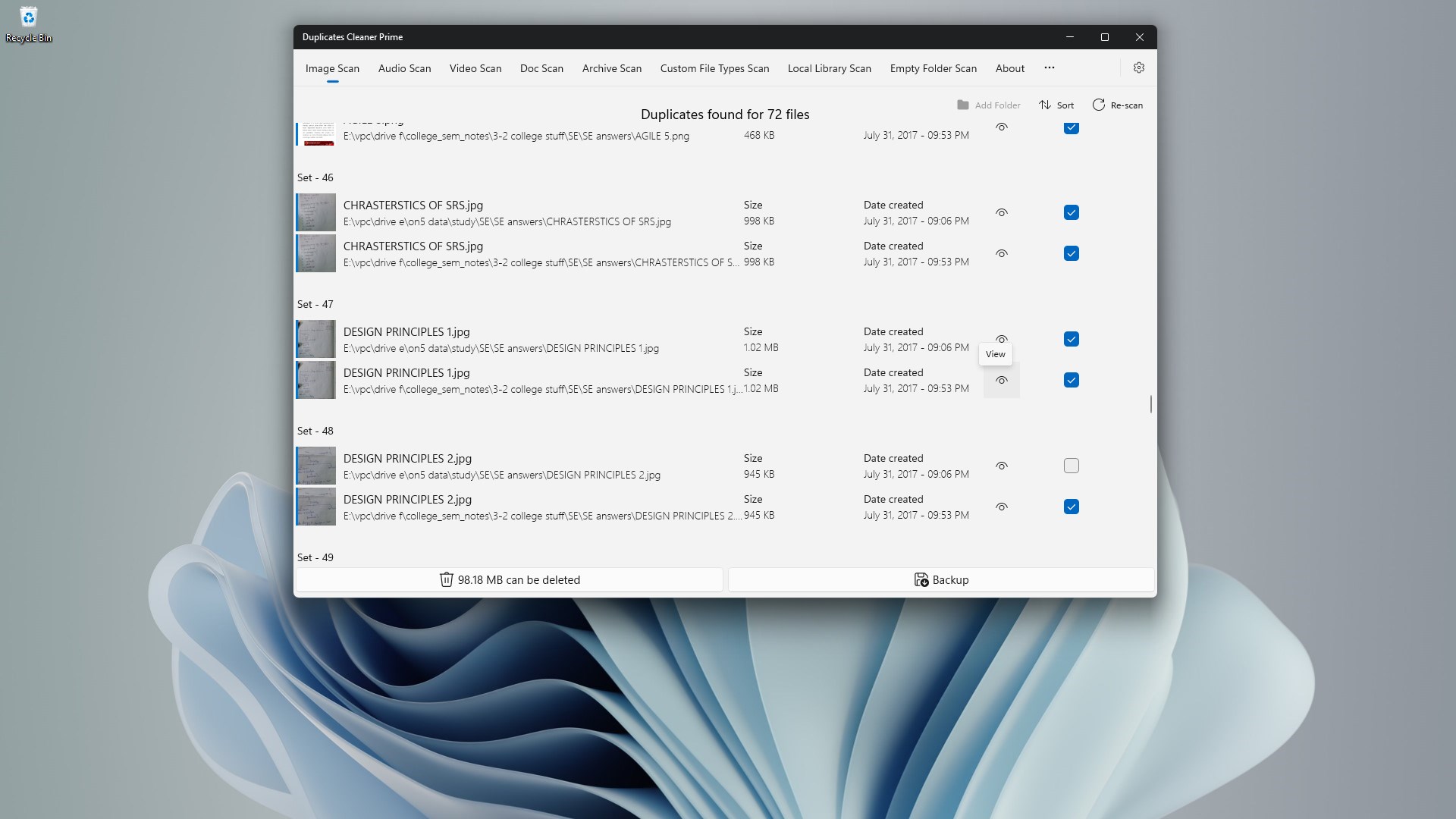
When your Windows PC begins to lag, the culprit is often a silent accumulation of redundant files. While many optimization tools rely on basic name-matching algorithms, Duplicates Cleaner Prime duplicate file remover sets itself apart with an advanced visual engine. Developed by kaeros corps, this utility introduces Intelligent Eye Technology (IET) to detect not just identical files, but visually similar images that standard scanners frequently miss.
Intelligent Duplicate Detection for Windows
Operating as a specialized tool within the system utility category, Duplicates Cleaner Prime duplicate file remover offers a deep scanning system that analyzes file signatures directly on your device. By focusing on local processing, the software ensures that your personal documents, photos, and databases never leave your machine, providing a secure approach to storage management.
Key Features of Duplicates Cleaner Prime
- Visual Similarity Scanning: Powered by Intelligent Eye Technology to locate and group photos that look alike, even if saved in different formats or resolutions.
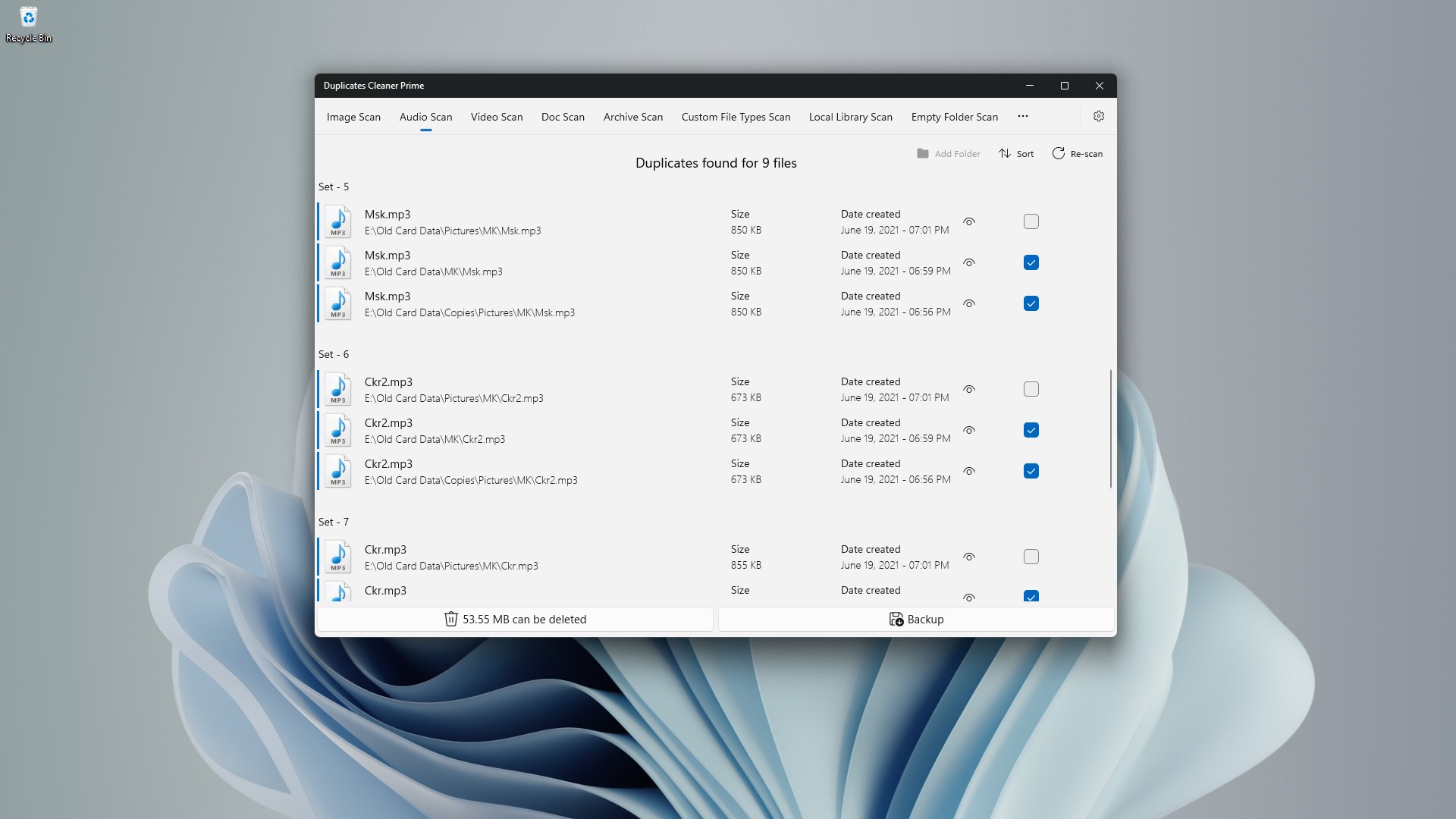
- Multi-Format Compatibility: Seamlessly scans and identifies duplicate documents, audio tracks, videos, and images (including JPEG, PNG, MP3, MP4, PDF, and DOCX).
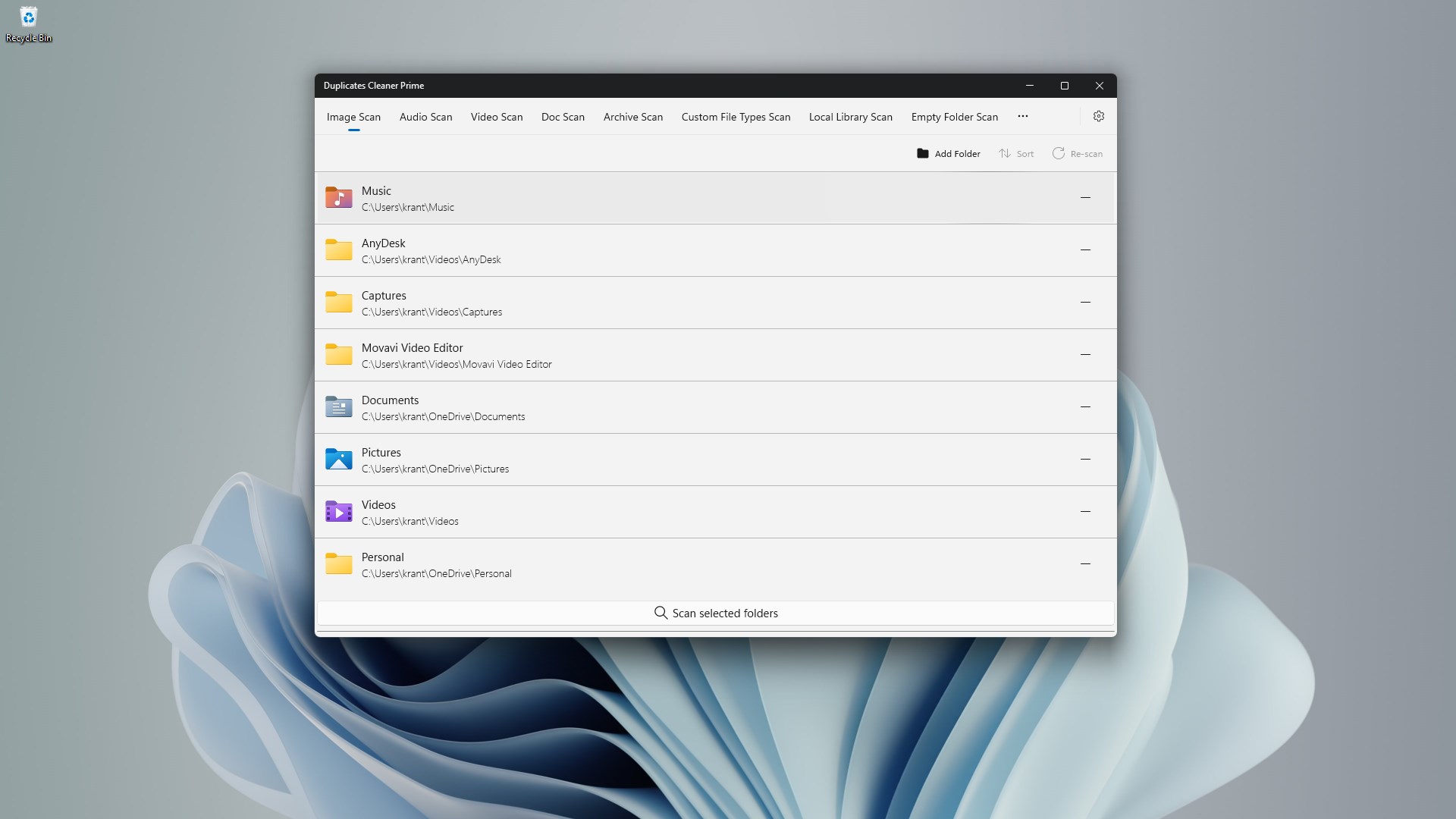
- Custom Exclusion Filters: Allows users to define specific folders, file sizes, or extensions to bypass during the scanning process.
- Safe Deletion Protocols: Features configurable deletion modes, letting you send files to the Recycle Bin for recovery or purge them permanently, complete with warning prompts to prevent accidental data loss.
Who Benefits Most From This Tool?
This software is particularly beneficial for creative professionals, such as photographers and designers, who handle large volumes of high-resolution media. Gamers looking to reclaim system drive space for game installations and everyday users struggling with low-storage warnings on Windows 10 and 11 will also find the streamlined, two-click cleanup process highly efficient.
Streamlined System Optimization
Beyond finding redundant media, the application helps maintain a clean directory structure with its built-in empty folder locator. Because it is designed to run with minimal CPU and RAM usage, you can perform deep drive scans without experiencing system slowdowns. If you are looking to declutter your storage and restore your system's responsiveness, you can learn more and purchase the app directly on the official Microsoft Store page.