

Network Power Tools
Read our comprehensive review of Network Power Tools, an essential Windows network utility suite designed to streamline subnetting and diagnostics.
When managing corporate environments or configuring lab setups, having a reliable, fast-access diagnostic kit is crucial. Network Power Tools stands out by avoiding bloated enterprise-level frameworks in favor of a fast, native Windows desktop experience. Developed by Gordon Utilities, this specialized utility suite packs everyday network calculation and discovery instruments into a single, cohesive dashboard, allowing administrators to execute diagnostic workflows without switching between fragmented command-line utilities or unsecure online tools.
The Core Capabilities of this Comprehensive Network Utility
Unlike standard administrative tools that require extensive setup, Network Power Tools is engineered for immediate utility. It addresses several critical areas of modern network management:
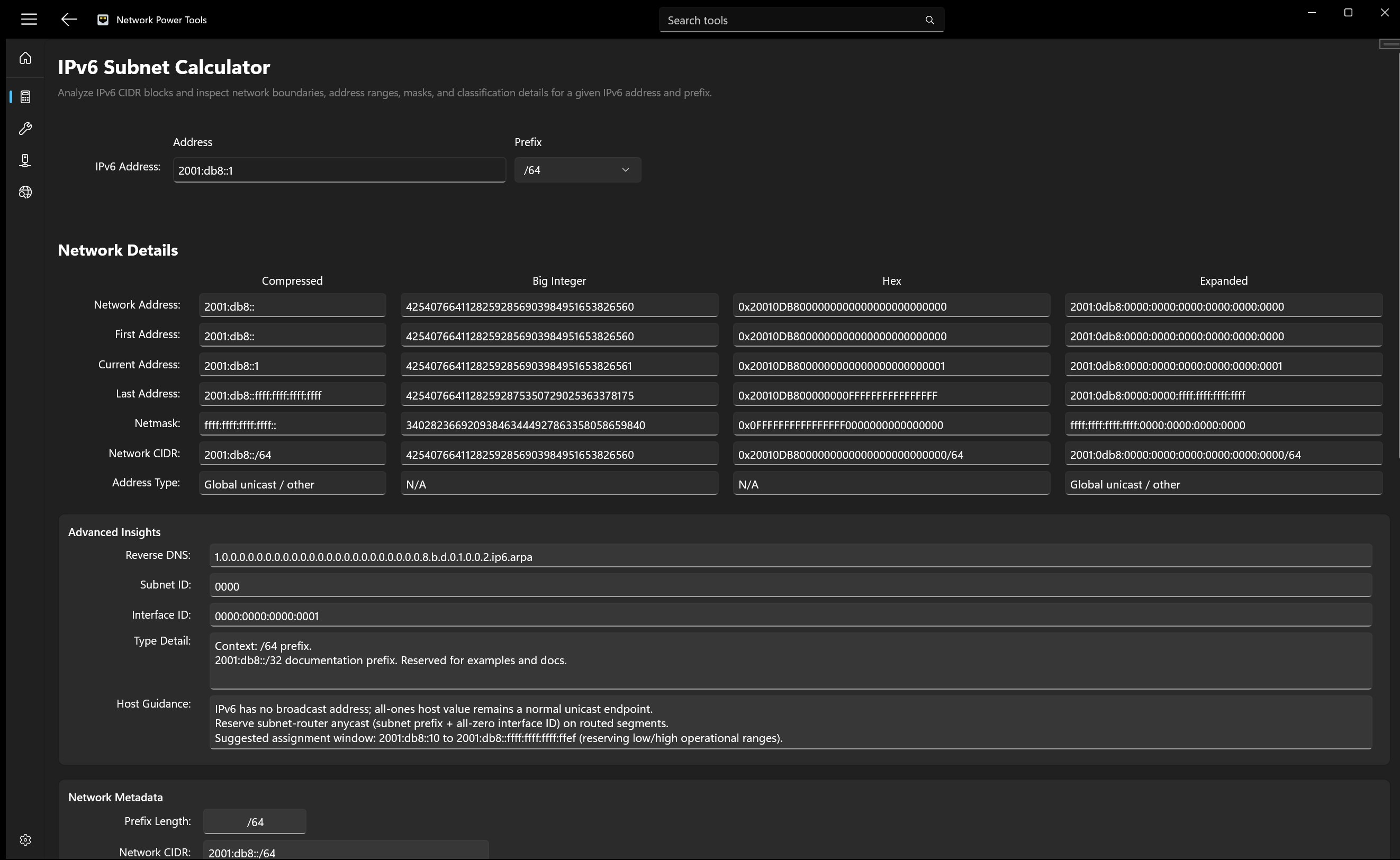
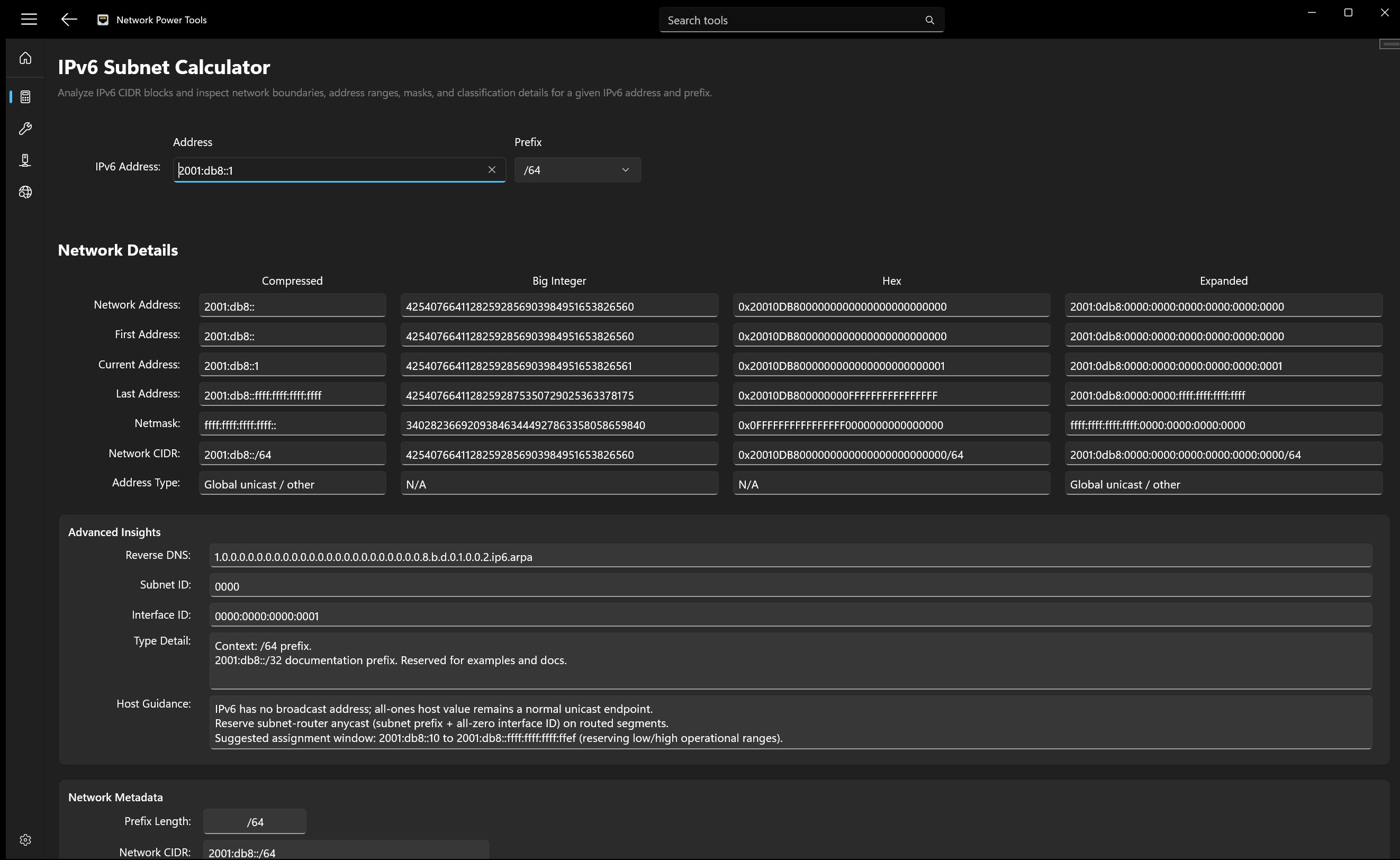
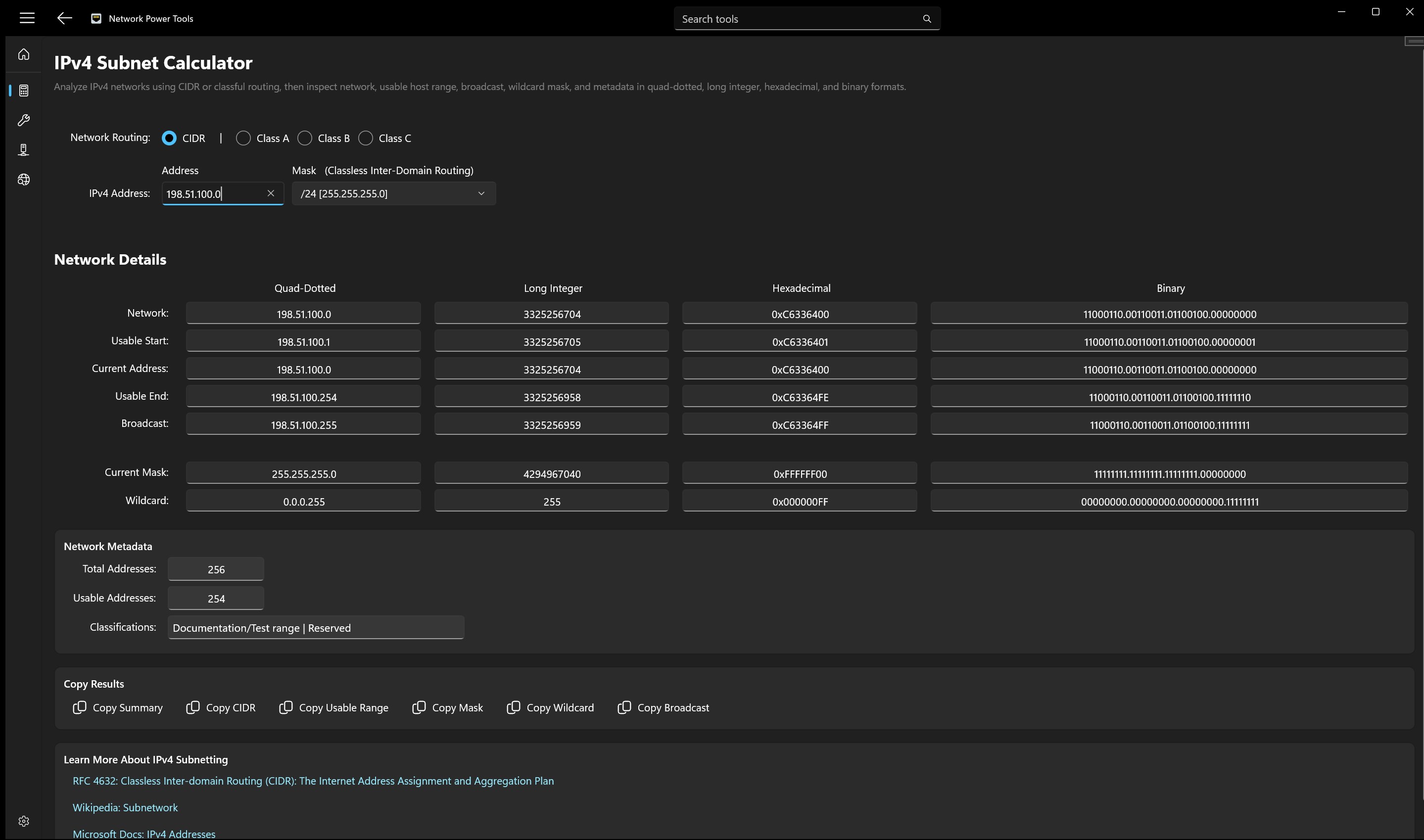
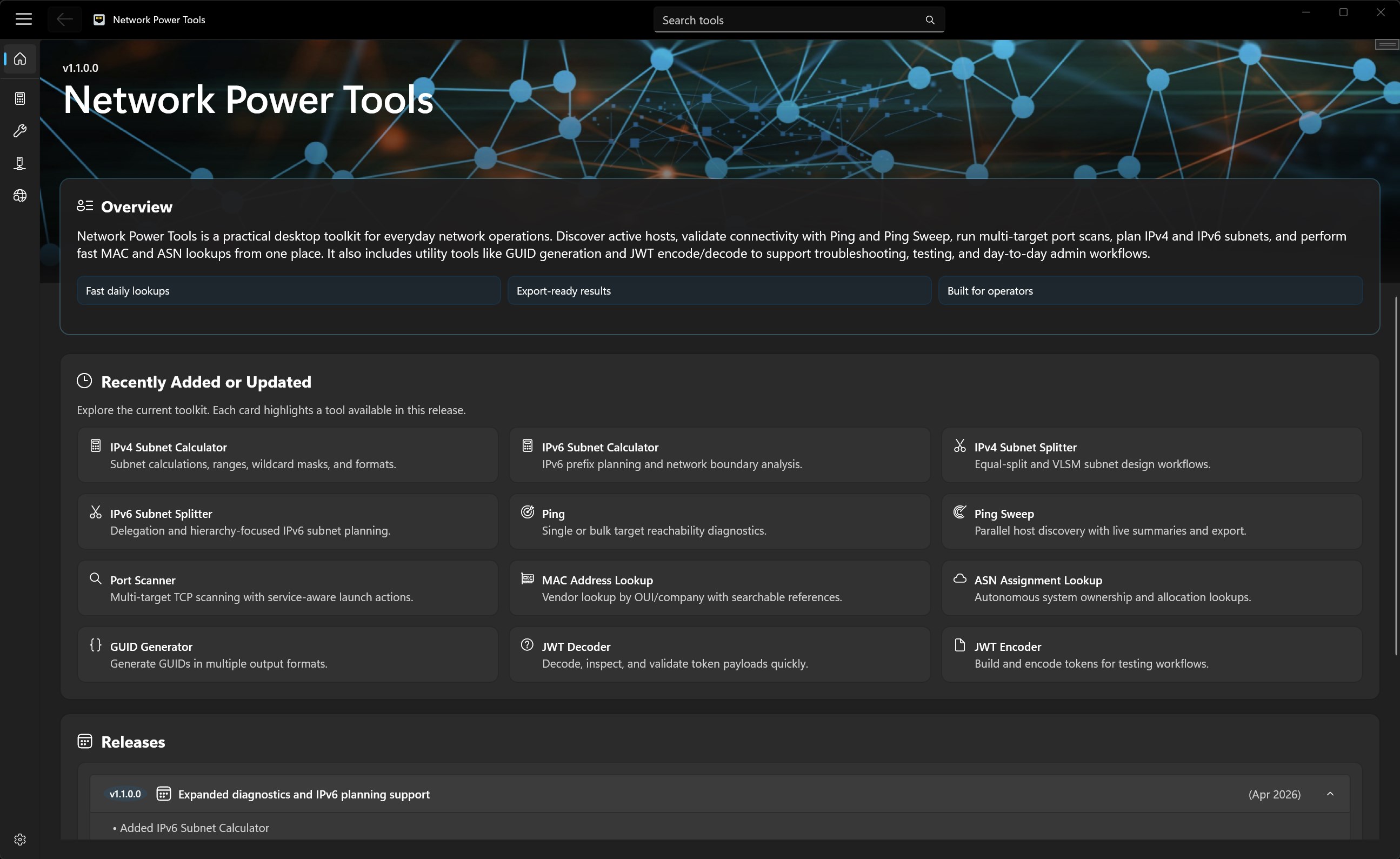
- Advanced IP Planning: Features both IPv4 and IPv6 subnet calculators alongside a dedicated subnet splitter to streamline network segmentation and allocation.
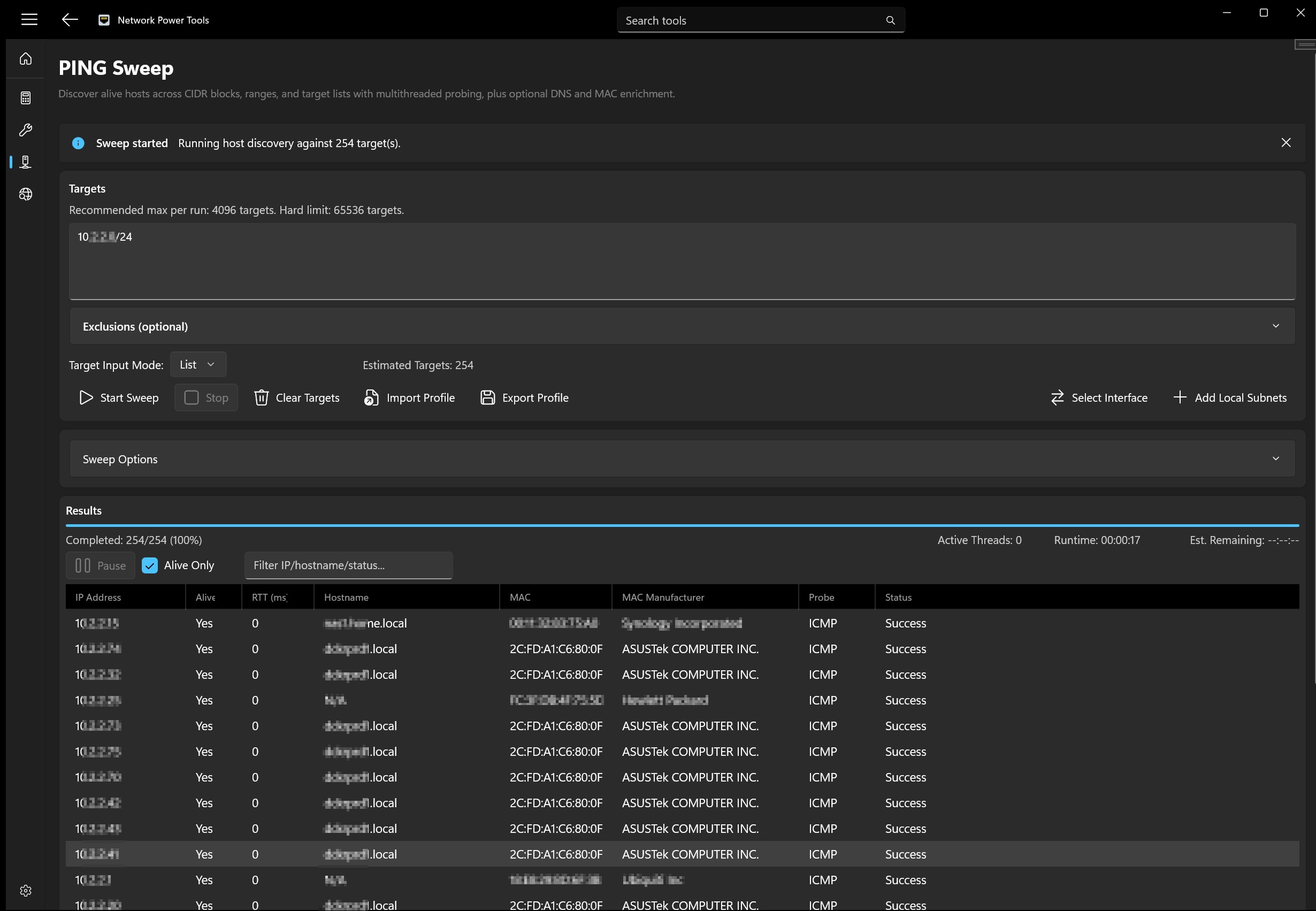
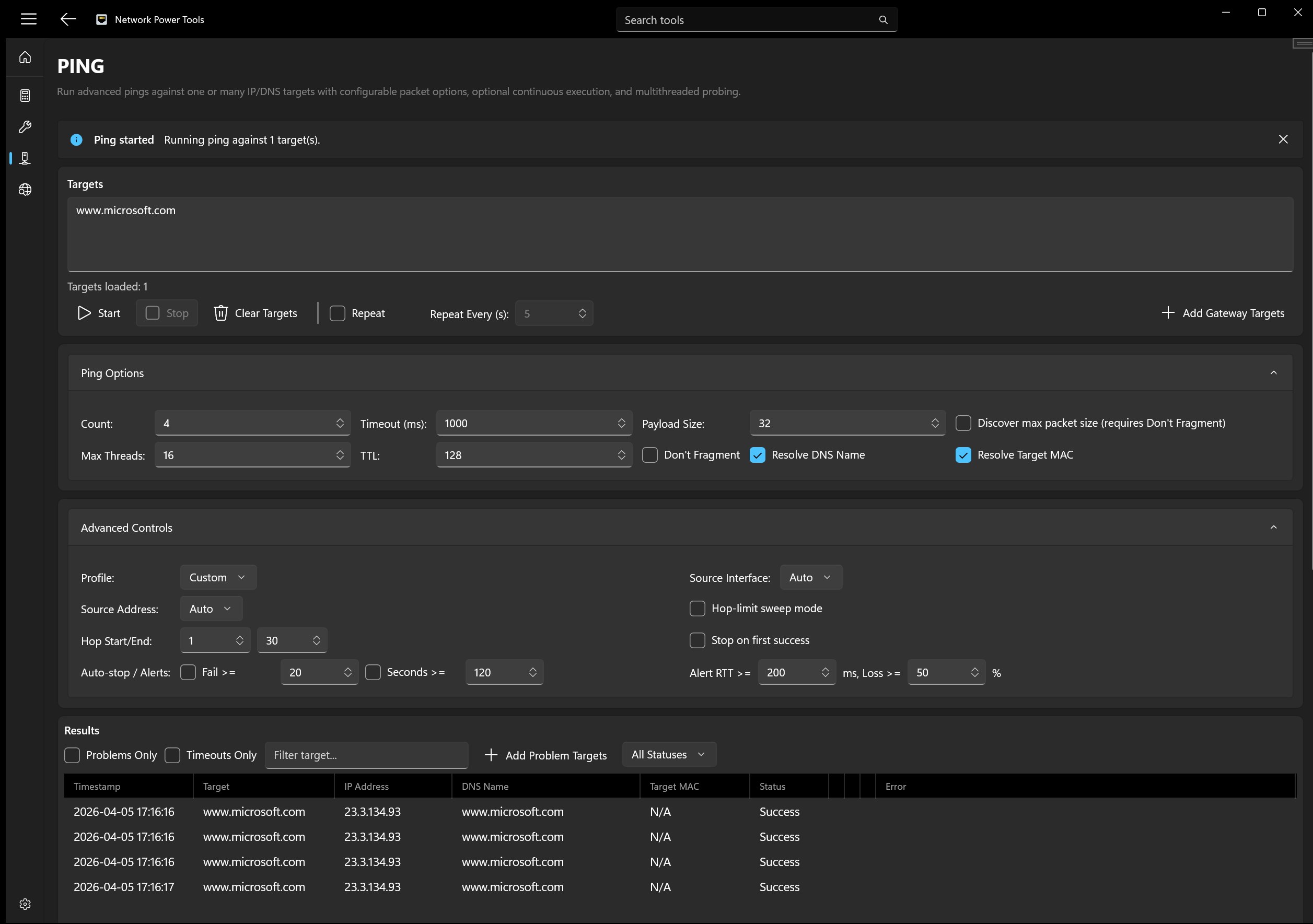
- Active Discovery and Scanning: Includes integrated Ping and Ping Sweep tools to quickly determine host reachability across a range, paired with a Port Scanner to identify open services and potential vulnerabilities.
- Investigative Lookups: Instant MAC Address and Autonomous System Number (ASN) lookups provide immediate context during troubleshooting or security analysis.
- Developer-Focused Integrations: Features built-in tools such as a GUID Generator, JWT Decoder, and JWT Encoder to assist with modern API and security testing.
Who Benefits Most From Network Power Tools?
This utility is specifically tailored for IT administrators, network engineers, and security analysts who require swift, accurate data without the overhead of heavy monitoring platforms. Whether you are validating a complex subnet mask design, checking port availability on a remote server, or decoding web tokens during an API deployment, this application consolidates your daily toolkit into a clean, modern interface built exclusively for Windows users.
Efficiency and Reliability in One Package
By prioritizing speed, clarity, and productivity, the software ensures that critical diagnostics can be performed locally without relying on external web-based tools that might compromise sensitive internal IP schemas. It is a highly focused asset for any professional Windows workstation.
To integrate these robust diagnostic features into your daily workflow, visit the official Microsoft Store to purchase and download Network Power Tools today.